Corner sofas and sofa beds
Scooch draws a corner sofa as one L-shaped piece, with its own depth on each side. Switch on the sofa bed and the floor it needs when pulled out is drawn into the corner.
 Scooch is an iPhone and iPad appPoint your iPhone camera at the code to install it.
or text me the link
What it does
The Corner sofa is one piece in the Living room list. It has a main run along the back and a return down one side. You type the depth of each part yourself, mirror the piece to put the return on the other side, and turn on Sofa bed to see the pull-out.
A sketch in Notes or on paper can show an L, but it does not know that a 250 by 170 cm corner sofa with 90 cm seats leaves an empty 160 by 80 cm corner inside the L. The Measure app on iPhone is good for the room itself, and Apple's guide lists measuring dimensions as one of its jobs. Scooch starts where Measure stops: you put the sofa in the measured room and see what it leaves around it. For general sizes first, read corner sofa dimensions and how to measure for one.
How it works
- Draw your room to its real size (see rooms drawn to their real size).
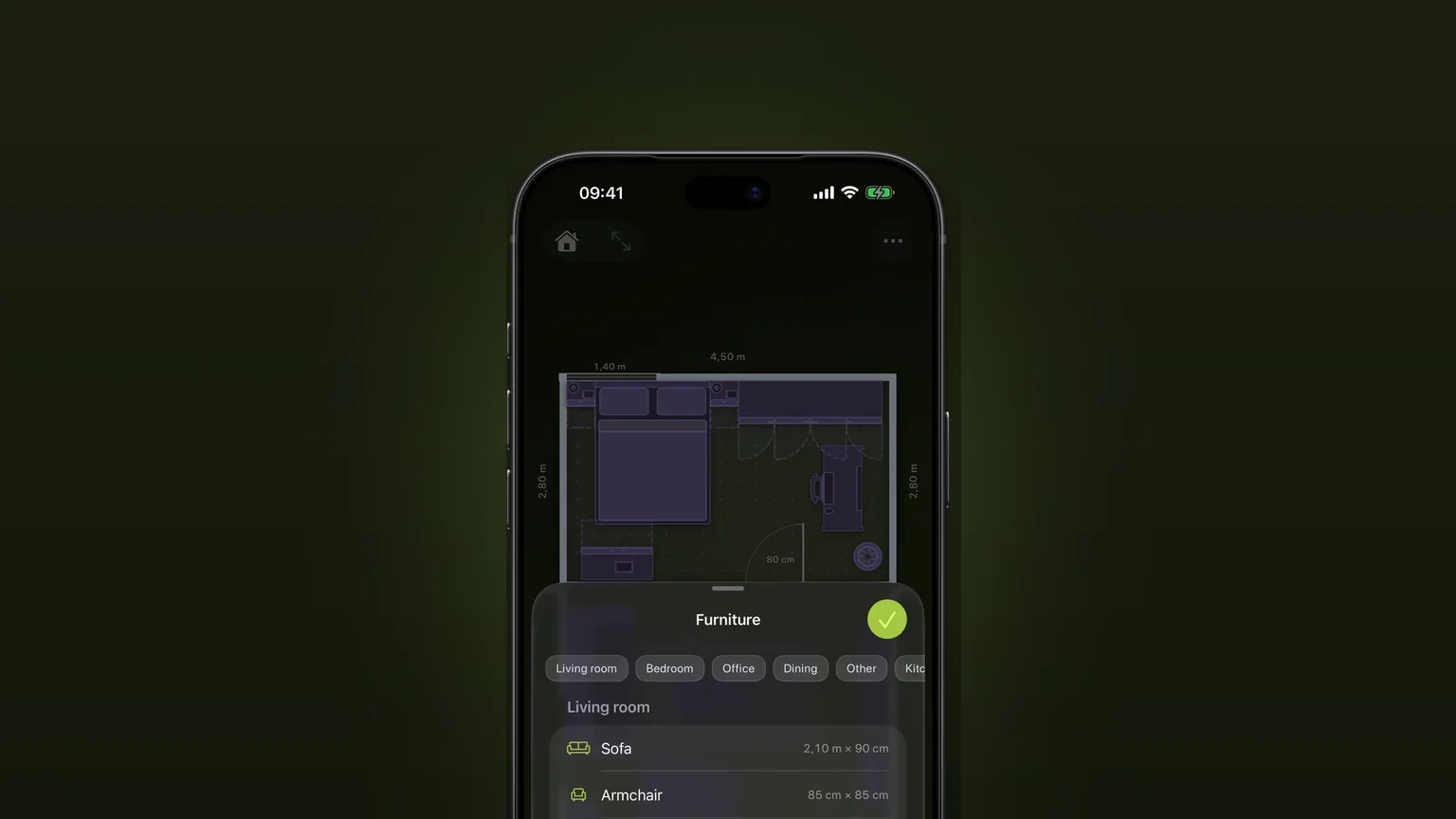
- Tap the sofa button in the bottom toolbar. The Furniture sheet opens. Pick Living room and tap Corner sofa.
- It arrives at 250 by 170 cm and 85 cm high. Drag it by its middle or by the handle below it. Rotate it with the corner handle and resize it with the edge arrows.
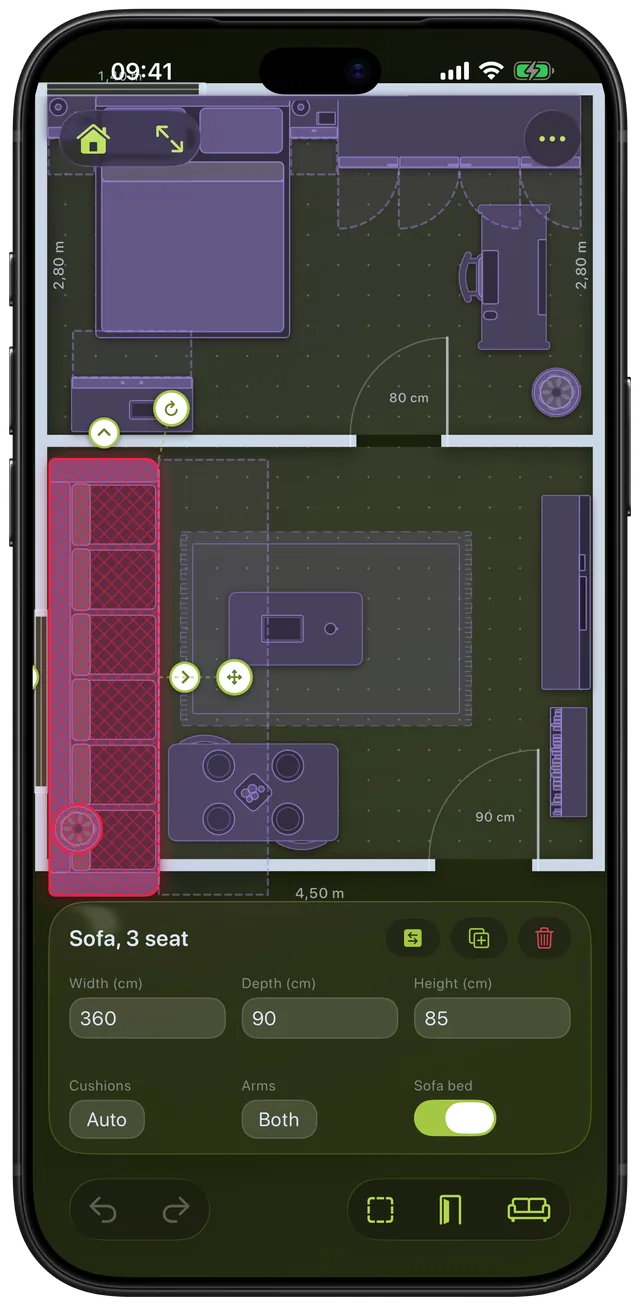
- With the sofa selected, the panel at the bottom shows Width, Depth and Height. Type the outer size of your sofa.
- In the row below, type Main depth (the run along the back, measured back to front) and Side depth (the return, measured across).
- Tap the arrows button at the top right of the panel to mirror the sofa, so the return sits on the other side.
- Turn on Sofa bed to see the dashed pull-out area.
Options
| Setting | What it does | Limits |
|---|---|---|
| Width, Depth | The outer box of the whole L | At least 5 cm |
| Height | How tall the sofa is | At least 1 cm |
| Main depth | The run along the back, back to front | 20 cm up to the Depth minus 20 cm |
| Side depth | The return, measured across | 20 cm up to the Width minus 20 cm |
| Mirror | Swaps which side the return is on | None |
| Sofa bed | Draws the unfolded bed in the corner | On or off |
- Empty depth fields: leave Main depth or Side depth empty and Scooch derives it from the size, up to 90 cm. At the default size both are 90 cm.
- Too deep is refused: a depth that would leave the other part under 20 cm is rejected with a note, not silently changed. If you later shrink the sofa, a stored depth is clamped when drawn.
- Units: type centimetres, or inches if Scooch is set to Imperial in Settings.
- The sofa bed: it fills the empty corner of the L, from the front of the main run to the end of the side piece. Its extent follows your depths, so it stays right when you resize.
When to use it
Checking a showroom sofa against your room
Type the outer size and both depths from the label. Drag the L into the room and watch the walls, the door arcs and the radiator. Read the corner measurements in the corner sofa guide first.
Choosing left or right
Place the sofa, then tap the mirror button. You see both layouts in seconds, with the return against the wall on one side or the other.
A sofa bed for a guest room
Switch on Sofa bed and check where the bed lands. If a coffee table sits in the dashed corner, you will move it each time. See room to open doors, drawers and sofa beds for the other open-state shapes.
Putting a side table in the inner corner
The inside of the L is empty floor in Scooch. A side table or a floor lamp can stand there without being flagged as a clash.
Squeezing a sofa and a TV into one wall
Rotate and move the L until nothing turns red. Scooch checks the real L shape, not its bounding box. For viewing distances see the space between sofa, coffee table and TV.
Limits
- One L only. The piece has a main run and one return. A U-shaped sofa, a chaise with a separate ottoman or a modular set with five parts is not modelled. Use two pieces, or draw your own piece (see furniture at real sizes).
- No cushion or arm settings. The L has one fixed arrangement of both. Regular sofas offer Cushions and Arms.
- The sofa bed is never flagged. Its unfolded area is drawn, but it does not count as a clash, because you move the coffee table to open it. It is also hidden when Clearances is switched off in the More menu.
- The bed's size is not typed. It follows your depths. A mechanism that opens differently is not modelled, so measure yours.
- No delivery check. Scooch shows the sofa in the room. It does not test whether it fits through a front door, up a stair or around a landing.
- It needs the unlock. After the setup, Scooch asks for a one-time purchase, not a subscription. It runs on iPhone and iPad and needs iOS 26 or later.
To see how pieces turn red when they overlap, read about clash detection, or try the sofa fit calculator for a quick check.
Frequently asked questions
Will a corner sofa fit in my room?
Draw the room in Scooch, add the Corner sofa and type your sofa's outer size and both depths. Scooch checks the real L shape against the walls and other furniture and turns the piece red if it overlaps. The empty inner corner is not counted, so a side table can sit there.
How do I measure a corner sofa?
Measure the full width and depth of the outer box, then the depth of the main run and of the return. Those four numbers go into Width, Depth, Main depth and Side depth in Scooch. The corner sofa guide shows where to put the tape.
Is there an L-shaped sofa planner for iPhone?
Yes. Scooch has a Corner sofa in the Living room list that you place on a room drawn to scale. Each side gets its own depth, and you can mirror it to swap the side.
Will a corner sofa fit through the door?
Scooch does not check that. It shows the sofa in the finished room, not on its way in. Measure the door, the hall and any stairs against the sofa's depth and height before you order.
Can I see how a corner sofa bed pulls out?
Yes. Select the sofa and turn on Sofa bed. A dashed area fills the corner of the L, from the front of the main run to the end of the side piece. It is shown but not flagged, so check by eye that a coffee table or rug edge is clear.
Sources
Try a corner sofa in your own room
Get Scooch on the App StoreMore features
Will it fit? Clash detection that turns red
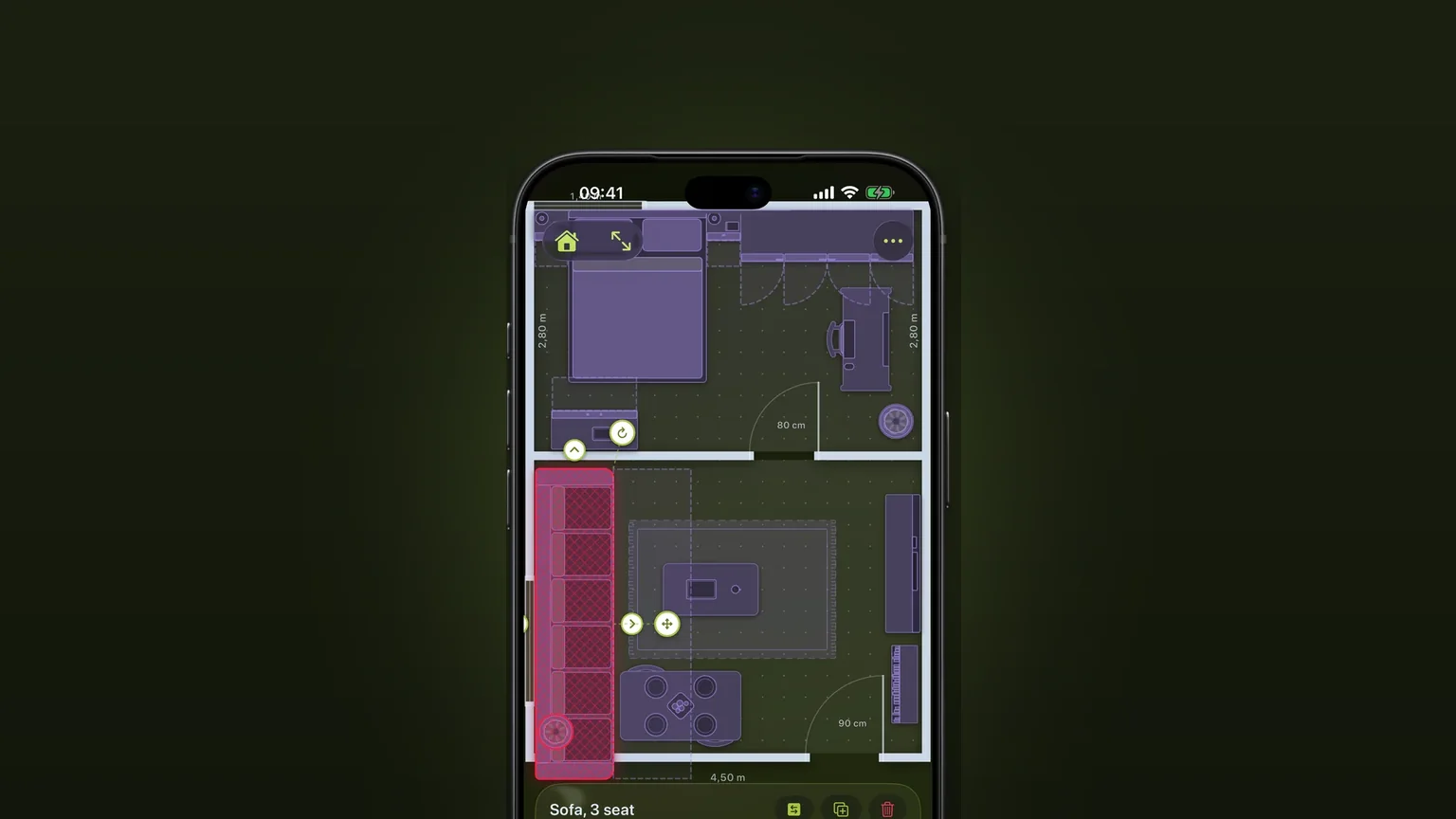
A piece that overlaps another, sticks out of the room or stands where a door or drawer has to open turns red as you move it.
Draw your own furniture, to scale
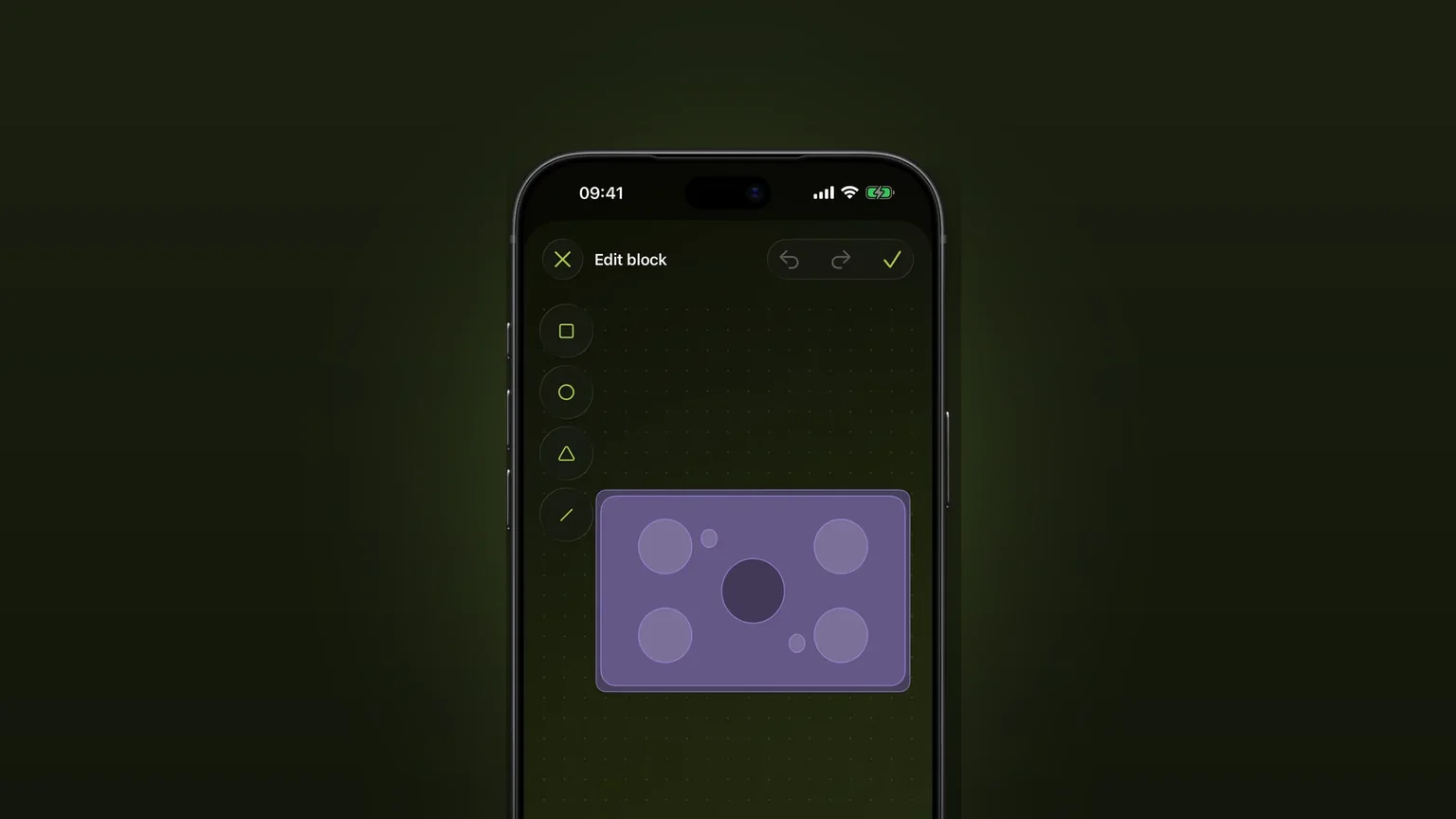
Draw a piece the catalogue lacks from shapes, type its width, depth and height, and place it in any plan.
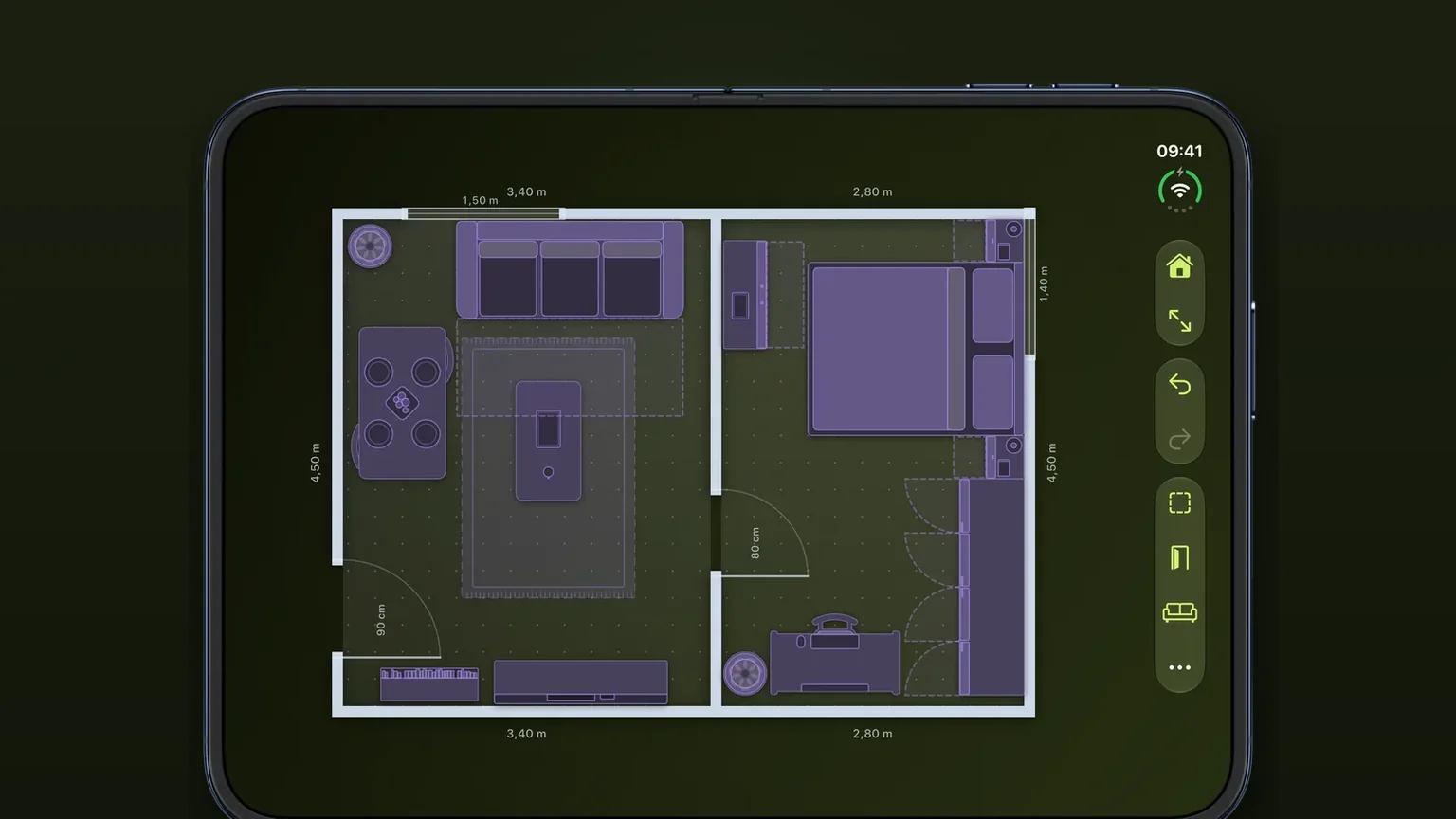
Doors, windows and arches with swing arcs
Doors, windows and arches slide along any wall at their real width, and every door draws the arc it needs to open.